Kitchen DisplaySystem Deployment.
Professional kitchen display system infrastructure designed for real time order routing, kitchen grade reliability, and seamless multi location rollouts across QSR, casual dining, fine dining, and cloud kitchens.
KDS Deployment Services
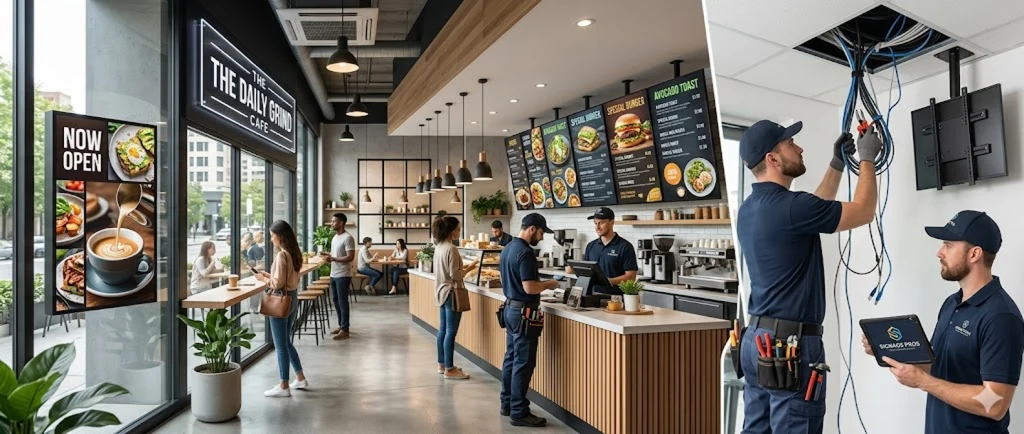
KDS Screen Mounting & Cabling
- Commercial grade KDS screen mounting on walls, shelves, and ceiling brackets in kitchen environments.
- Cat6 network cabling with heat resistant jackets routed away from cooking equipment and heat sources.
- Grease resistant conduit and sealed junction boxes protecting connections in food preparation areas.
- PoE powered KDS screens eliminating the need for separate power outlets at each display position.
- Adjustable mounting hardware allowing screen repositioning as kitchen workflow and station layouts change.
- NSF compliant stainless mounting hardware and washdown resistant cable boots for sanitation compliance.
- Anti glare bezel positioning tuned for hot line lighting and chef sight lines from every prep station.
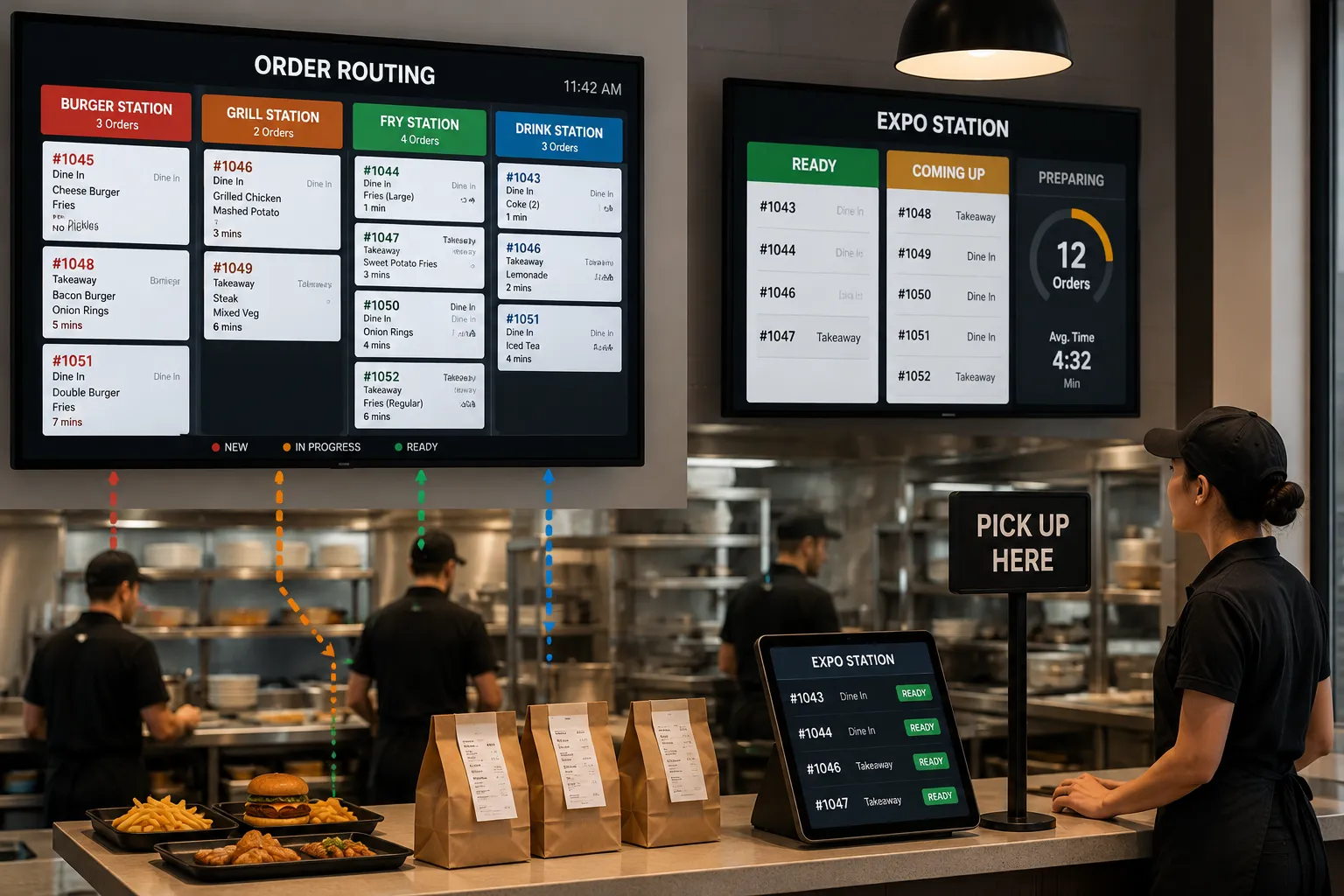
Order Routing & Expo Station
- Network cabling connecting front of house POS terminals to kitchen KDS screens for real time order routing.
- Expo station display and bump bar cabling at the pass window for order completion and quality control.
- Multi station order splitting infrastructure routing items to correct prep stations automatically.
- Kitchen printer cabling as backup and supplement to KDS screens for label printing and receipt output.
- Redundant network paths ensuring kitchen never loses visibility of incoming orders during peak service.
- Third party delivery (UberEats, DoorDash, SkipTheDishes) tablet integration with consolidated order injection.
- VLAN segmentation and QoS policies prioritizing KDS traffic over guest and back office network usage.
Drive Thru Display Infrastructure
- Outdoor order confirmation display cabling with weather rated conduit and UV resistant cable jackets.
- Drive thru menu board network and power infrastructure for digital ordering screens and speakers.
- Order accuracy display cabling at the pickup window connecting drive thru POS to customer facing screens.
- Timer and speed of service display cabling for operations monitoring and drive thru performance tracking.
- Buried conduit pathways from building to drive thru island with proper drainage and frost line depth.
- Dual lane drive thru splitter cabling with synchronized order pull forward sequencing.
- Loop detector and pre sell board wiring tied into ordering systems for proactive prompting.
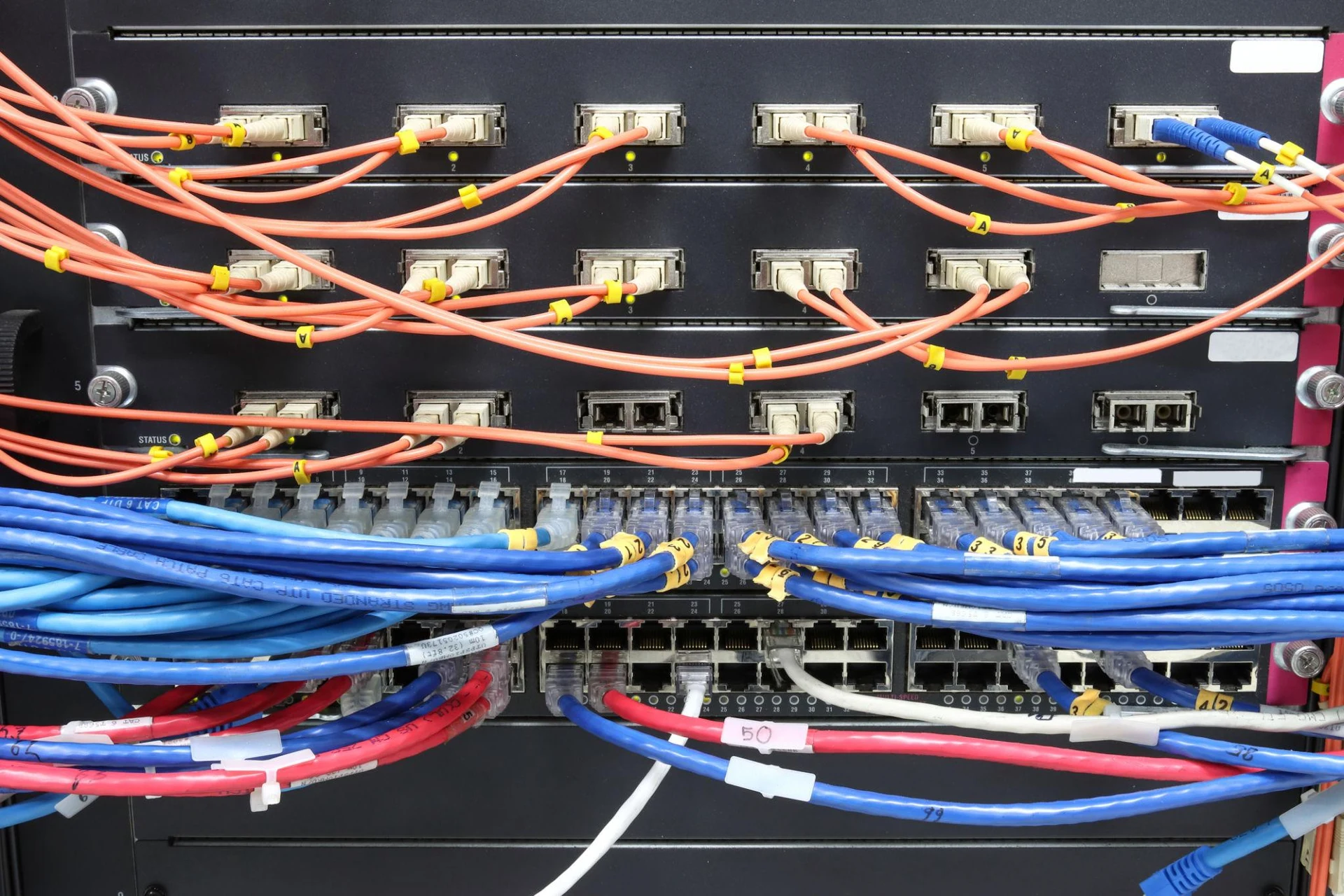
Back of House Network & Server
- KDS server and network switch rack installation in back office or utility areas with proper ventilation.
- UPS and power conditioning for KDS servers ensuring continuous operation during power fluctuations.
- Firewall and ISP demarcation cabling with dedicated WAN connection for cloud based KDS platforms.
- Wireless access point cabling supporting tablet based KDS and mobile order management devices.
- Network segregation between KDS, POS, guest Wi Fi, and back office systems for security and performance.
- LTE/5G cellular failover routers with automatic switchover during primary ISP outages.
- Remote management agents pushing patches, configs, and KDS app updates from corporate IT.
Multi Location KDS Rollouts
- Standardized KDS cabling templates ensuring identical kitchen display infrastructure at every location.
- Site specific adaptation for different kitchen layouts while maintaining consistent connectivity standards.
- Coordinated deployment scheduling aligned with restaurant openings, renovations, and franchise timelines.
- National coverage with trained local crews delivering consistent installation quality across all regions.
- Complete per location documentation with screen positions, cable routing, network maps, and test results.
- Single point of contact program management with weekly status reports and rollout dashboards.
- Warranty service program with on site replacement SLAs to minimize service interruption per location.
Comprehensive KDS Deployment Solutions.
Streamlined Kitchen Operations.
Powered by KDS.
Kitchen Display Systems replace paper tickets with real-time digital order screens, improving accuracy, speed, and communication between front-of-house and back-of-house. We build the cabling infrastructure that makes KDS work reliably in the toughest kitchen environments, heat, grease, moisture, and constant activity.
- KDS screen mounting with kitchen-grade cabling
- Order routing from POS to prep stations and expo
- Drive-thru order confirmation and menu board cabling
- Back-of-house server and network infrastructure
- Multi-location rollout programs with standardized templates
- Heat-resistant, grease-rated pathways for kitchen environments
From Kitchen Layout to Go-Live
A structured deployment process ensuring every KDS is mounted, connected, and ready for service.
Kitchen Assessment
Layout review, station identification, and screen placement planning.
Infrastructure Design
Cable routing through kitchen environment with heat and grease considerations.
Cable & Conduit Install
Network drops, sealed conduit, and power provisioning at each KDS position.
Screen Mounting
Display mounting, bump bar installation, and cable termination.
Testing & Activation
POS to KDS connectivity verification and order routing confirmation.
Ready to Deploy KDS in Your Kitchen?
Tell us about your KDS needs, location count, screen count, and kitchen layout. We’ll respond within one business day.